Troubleshooting
These notes are for a store that is not up yet, or is stuck on the first deploy, and for the search problem when more than one hostname reaches the same store. A store that is already running, when the domain, a payment, mail, an import, or a language does not match, is in After launch. If the case is in neither article, sign in at fatleon.com and open a support ticket.
Amplify console during deploy
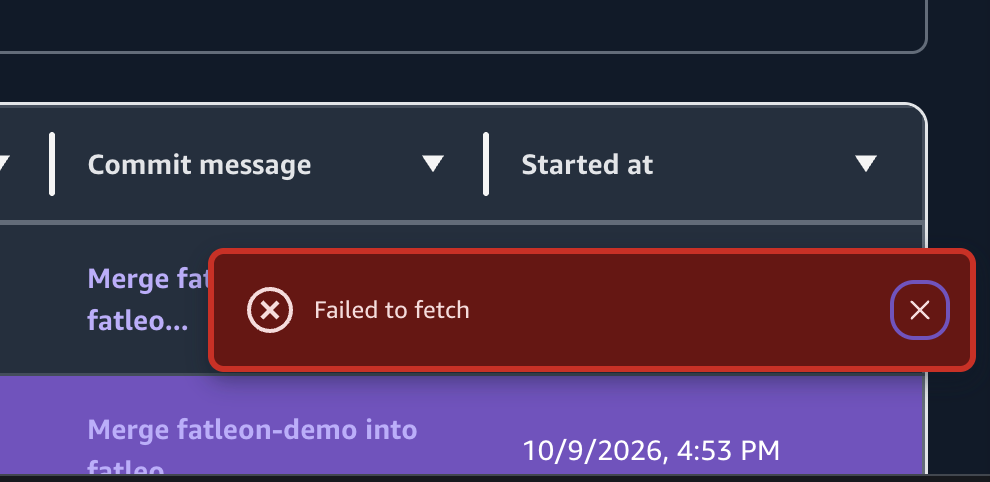
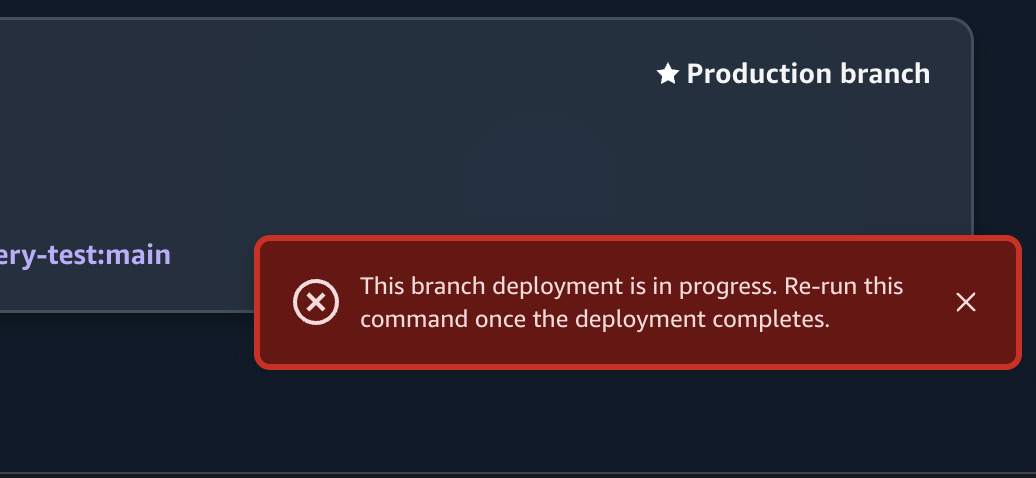
While a deployment is running, the Amplify console can show Failed to fetch, or This branch deployment is in progress. Re-run this command once the deployment completes. Those notices come from the console. They are not a failure of this kit, and the build keeps running. Reload the page and read the branch status. Do not start the deploy again.
First admin
/setup is open only while the Cognito user pool has no users. The password needs at least 8 characters, with an uppercase letter, a lowercase letter, and a number. SMTP is not required for this step.
| What you see | What to do |
|---|---|
The storefront never offers /setup | A user already exists in that pool. Setup stays closed. In the Cognito console, add that user, or a new one, to Admins. |
You already finished /setup | Sign in at /{locale}/login and open /{locale}/admin. |
| The last admin was removed | /setup does not reopen. Restore Admins in the Cognito console. |
| You want an empty pool on a sandbox | npx ampx sandbox delete, then start the sandbox again. Do not do this to a production backend. |
The claim flow is in Architecture.
Mail and payments
| What you see | What to do |
|---|---|
| Customers do not receive sign-up or order mail | Save SMTP under System → Email Settings. Send a test from Support → Compose Email. The first admin claim does not send mail. |
| An order stays unpaid after Stripe or PayPal | The webhook must be the shop domain: https://{shop-domain}/api/webhooks/payments/stripe or /api/webhooks/payments/paypal. Do not paste the Lambda Function URL. Stripe needs checkout.session.completed and the signing secret. PayPal needs CHECKOUT.ORDER.APPROVED, PAYMENT.CAPTURE.COMPLETED, and the Webhook ID. |
| Checkout shows a test payment | Mock is still on under System → Payment Settings. Turn it off before the store is public. |
| A shopper without an account cannot check out | Guest checkout is off until you enable it under System → Currency & tax. |
Payment fields are in System and global settings.
Search and extra hostnames
Canonical, hreflang, sitemap, and links in system mail all use Site URL from System → Site Settings. They do not use whichever hostname the visitor typed. Until you save a Site URL, those tags fall back to the kit default in src/config/site.config.ts, which is https://live.fatleon.com.
Set Site URL to the one public address of this store, with no trailing slash, before you rely on search. The store can still answer on the *.amplifyapp.com address while DNS propagates. That address should not be the one you want indexed.
Point one hostname at the store. If both www and the root domain answer, pick one for Site URL. Mapping www onto the root is part of Custom domain and security. Adding further, unrelated domains so each of them ranks as its own site leaves every copy declaring the same canonical host. Search engines treat that as duplicate content. It is not a ranking setup this kit provides.
Locale tags are in Storefront locales.
Sandbox
Run one npm run sandbox at a time. A cold create can hit CloudFormation's limit of 2500 resources in one stack operation. That quota is in Understand CloudFormation quotas. If an older sandbox fails on a large update, delete that sandbox and create it again. The local commands are in Local sandbox.