Unzipping and repository setup
Now that your foundational accounts, domain, and email channels are prepared, it is time to unpack your Fatleon source code and initialize your private version control repository.
What is inside your download package
When you complete your purchase, you will receive a clean ZIP archive containing everything needed to launch and build your store:
| Included | What it is |
|---|---|
| Complete source code | The unified codebase encompassing the storefront, checkout, administrative backend, and core system integrations. |
| Sample data import | Pre-configured demo datasets designed to help you quickly populate your store and visualize product catalogs, categories, and attributes, just like the live demonstration at live.fatleon.com. |
| AI development prompts | Specialized prompt templates tailored to assist AI code assistants (such as Cursor or Claude) in extending your store, writing custom features, and scaling your platform. |
Step 1: Unzipping the source code
- Locate the downloaded ZIP file on your local machine.
- Extract the archive into a dedicated working directory on your computer.
- Open the extracted folder in your preferred code editor (such as VS Code or Cursor) to inspect the project structure.
Step 2: Initializing your private repository
Fatleon is deployed directly from your own version control system. You will need to push the extracted source code into a private repository on your GitHub account.
Please ensure you create a private repository. Protecting your repository keeps your operational data and custom configurations safe from public exposure. Additionally, under the software license agreement, keeping the repository private ensures your commercial assets and proprietary investment remain secure.
If you are unfamiliar with setting this up, follow Creating a new repository in the GitHub docs.
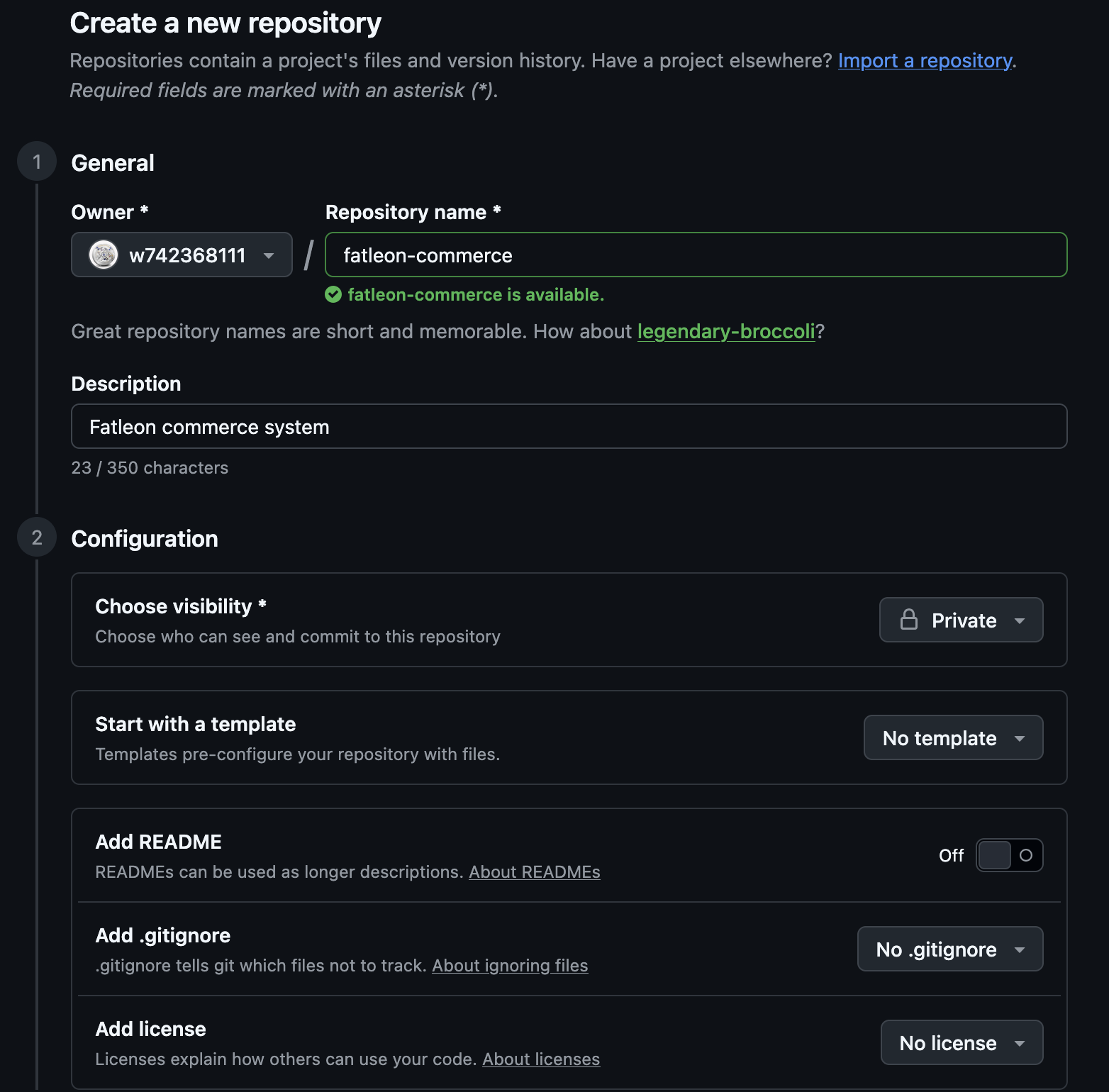
Once your empty private repository is ready, open your terminal inside the extracted project folder and run the following commands. Replace the repository URL with your own:
git init
git add .
git commit -m "Initial commit: Fatleon Commerce v1.2.0 source code"
git branch -M main
git remote add origin https://github.com/your-username/your-repo-name.git
git push -u origin main
Ready to proceed?
With your private GitHub repository initialized and populated with the Fatleon source code, you are ready to trigger the cloud deployment: Launch to Amplify.